DupDetector: find duplicate and near-duplicate images
Built for large photo collections: finds identical and near-identical files, even when the copy was resized, brightened or sharpened.
| Pair | Similarity | Difference |
|---|---|---|
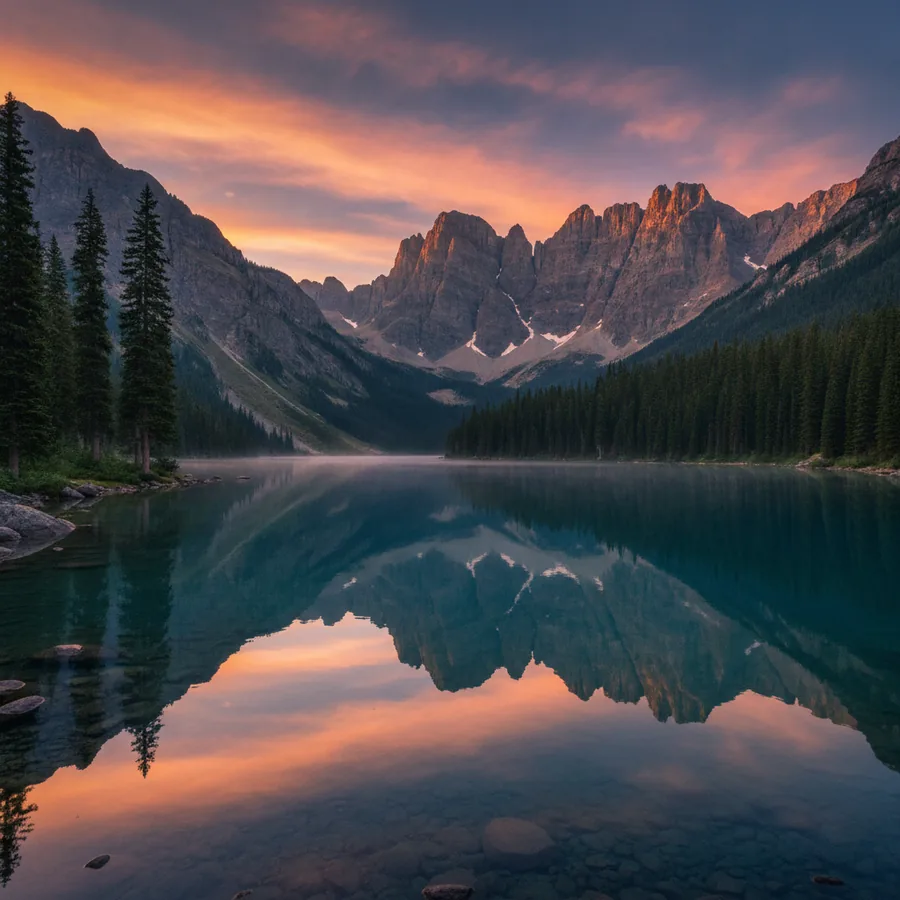 | 100% | Exact copy |
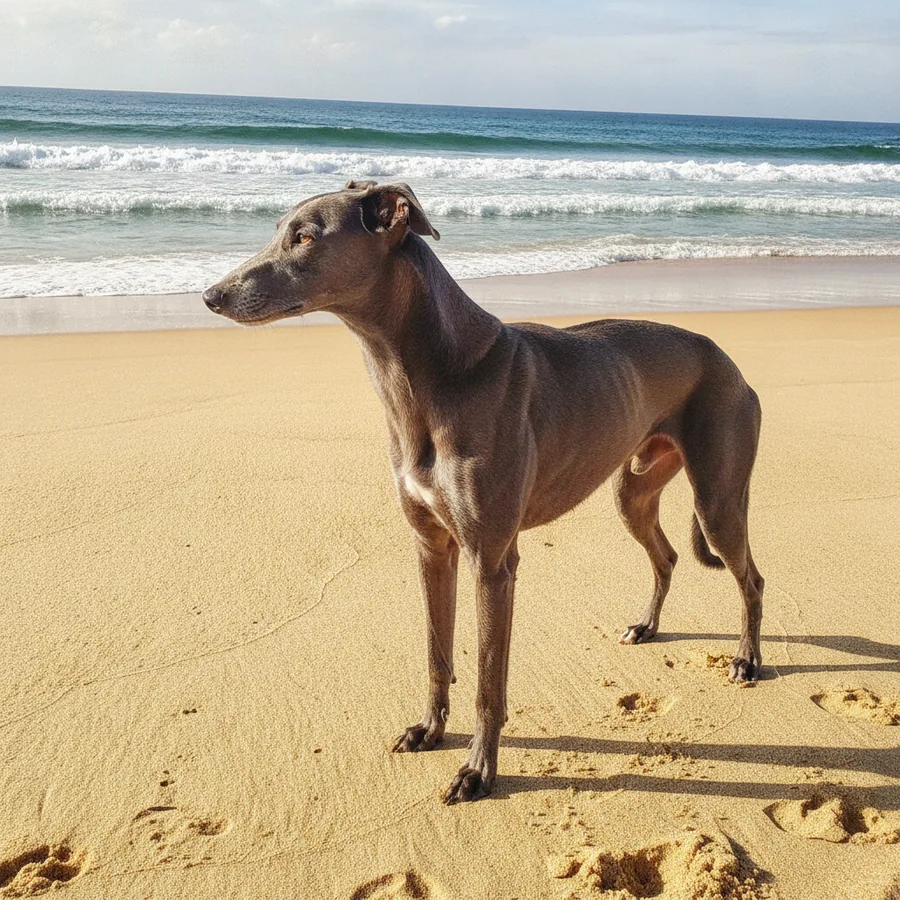 | 97% | Downscaled |
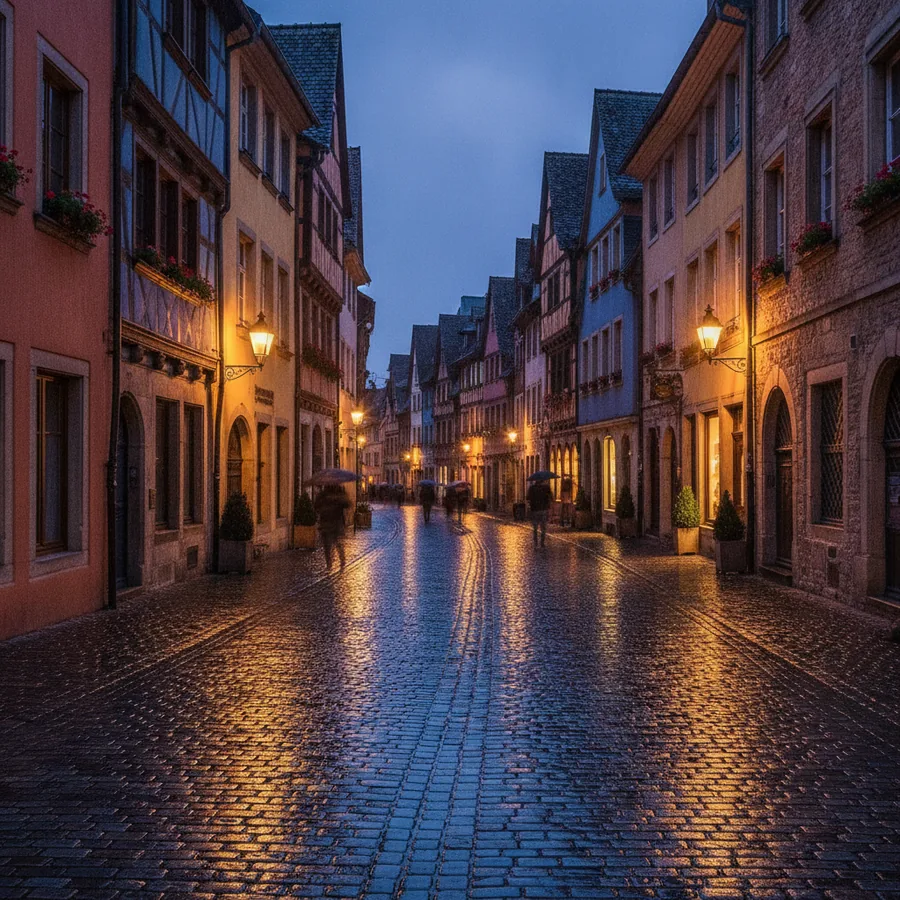 | 93% | 8% brighter |
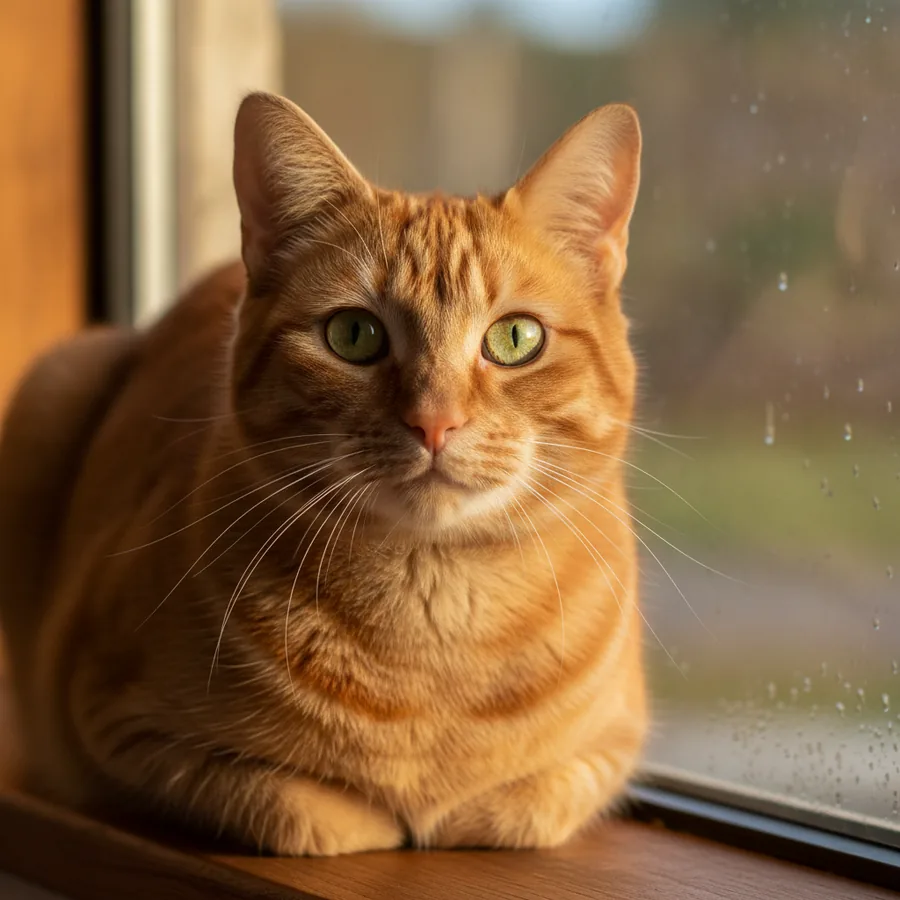 | 91% | Sharpened |
Even commercial stock libraries contain identical shots that differ only in sharpness, brightness or a slight color shift. DupDetector catches those pairs as well.
OriginalCopy
You set the threshold: strict for exact copies, looser for bursts.
A safe way to clean up
Report first, decisions second. The program shows you pairs and groups; deleting or moving files is up to you.
- ScanPick folders or an entire drive and DupDetector compares the file contents.
- Review pairsOriginal and copy side by side, with similarity score and dimensions.
- Quarantine, don't deleteMove extras to a separate folder first, just to be safe.
File names don't matter: IMG_2041 and “Sea final 2” may well be the same photo.
Where duplicates come from
Nobody saves the same photo four times on purpose. These are the usual suspects.
The same card copied to a laptop, then again after an OS reinstall.
Cloud folders and backup apps that restore whole trees next to the originals.
A brightened or resized copy saved beside the source under a new name.
The same picture received in three chats, each recompressed a little differently.
Starting points for a typical family archive. Stock libraries and bursts may need a stricter setting.
| Similarity | What it usually is | Action |
|---|---|---|
| 99-100% | Exact copies | Safe to quarantine in bulk |
| 93-98% | Resized or recompressed | Keep the largest file |
| 85-92% | Edited or burst frames | Review pair by pair |
| below 85% | Similar scenes | Usually not duplicates |
A cleanup order that keeps originals safe
Frequently asked questions
How does DupDetector find near-duplicates?
It compares images by their content, so a copy with different brightness, sharpness or size is still paired with the original.
Does it delete files on its own?
No. DupDetector shows you the pairs and groups it found; you decide what happens to each file.
Which formats are supported?
JPG, GIF, BMP, PNG, TIF, PCX, TGA, WMF, EMF and PSP.
What are the system requirements?
Windows 95 or later, 32 MB of RAM and 3 MB of free disk space.
Further reading
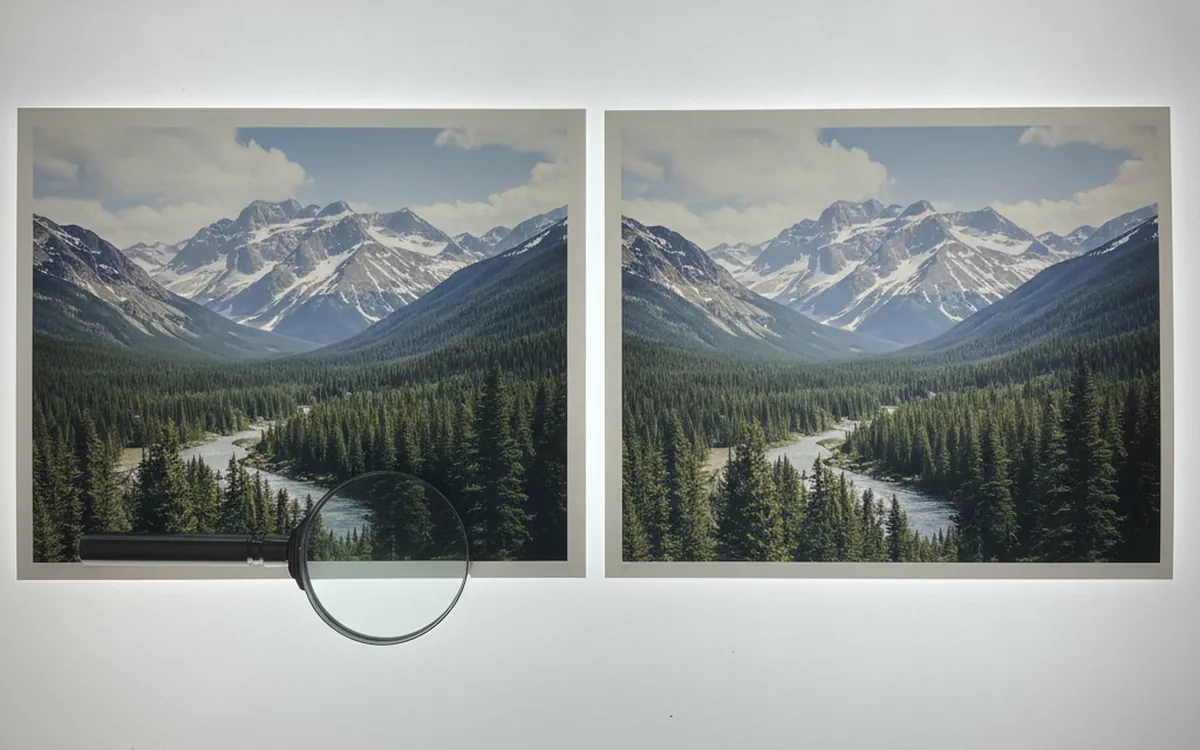
How to Find and Delete Duplicate Photos Without Losing Anything
Checksums catch exact copies; perceptual comparison catches look-alikes. Here’s how both approaches work, plus a cleanup order that keeps your originals safe.
The 3-2-1 Backup Rule for a Photo Archive: Drives, Cloud, Checksums, and Restore Drills
Three copies, two kinds of media, one offsite: the rule is easy to remember and easy to get subtly wrong. Here’s how to apply it to a photo archive so that a dead drive, a burst pipe, or a silent corruption doesn’t cost you a decade of pictures.
Culling Burst Shots and Near-Duplicate Photos
Burst mode gets you the shot and buries it among a dozen near-copies. Here’s how to group similar frames, pick the keeper quickly, and clear the rest without regrets.
The rest of the Prismatic toolkit
Three tools cover a photo from start to finish: processing, archive cleanup and mosaic building.