Thousands of photos, sorted in a single pass
Batch processing, duplicate detection and photo mosaics for Windows. Free, with no ads and nothing hidden in the installer.
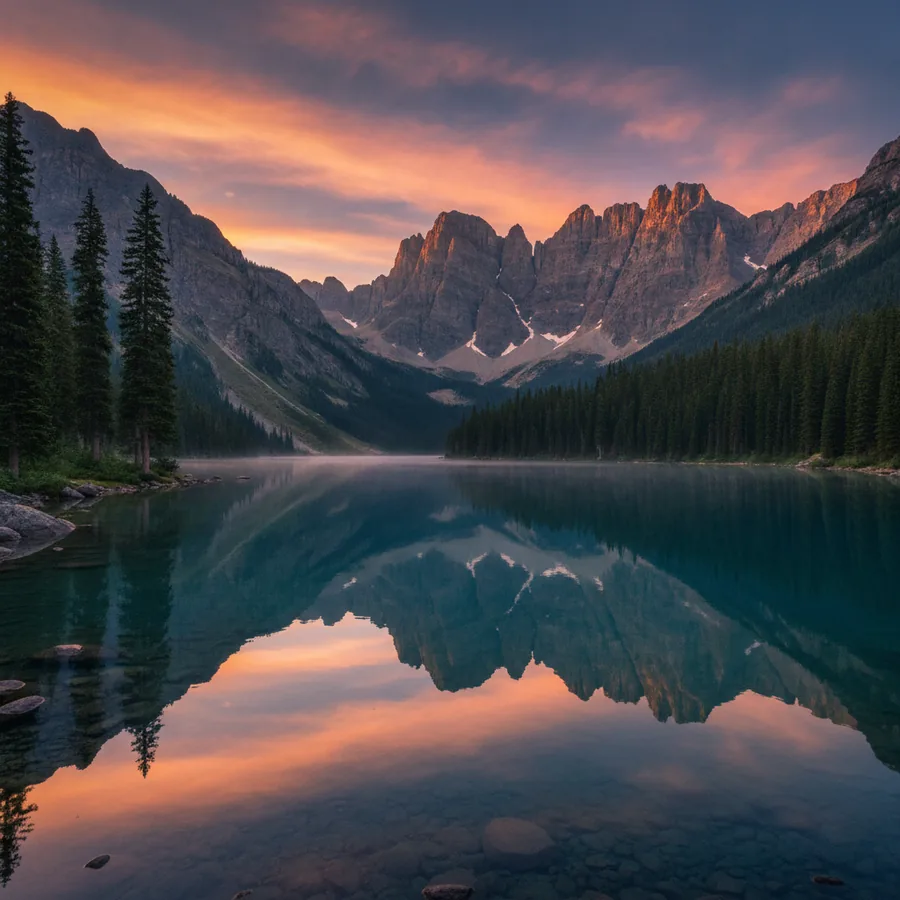
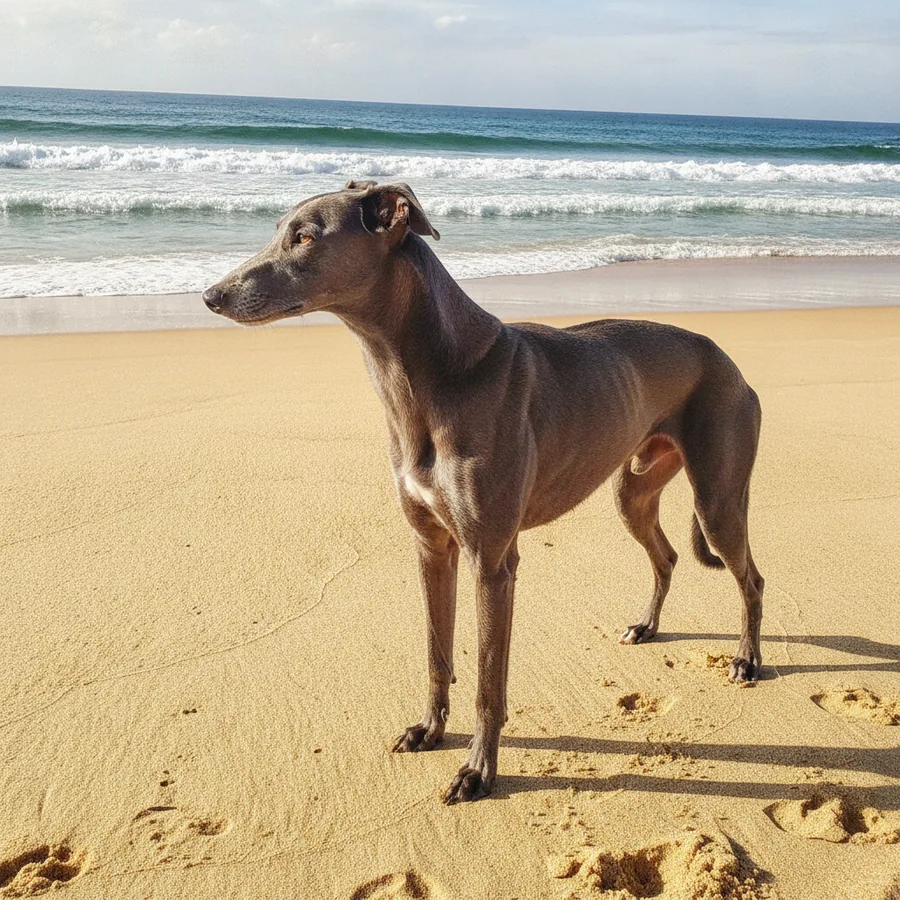
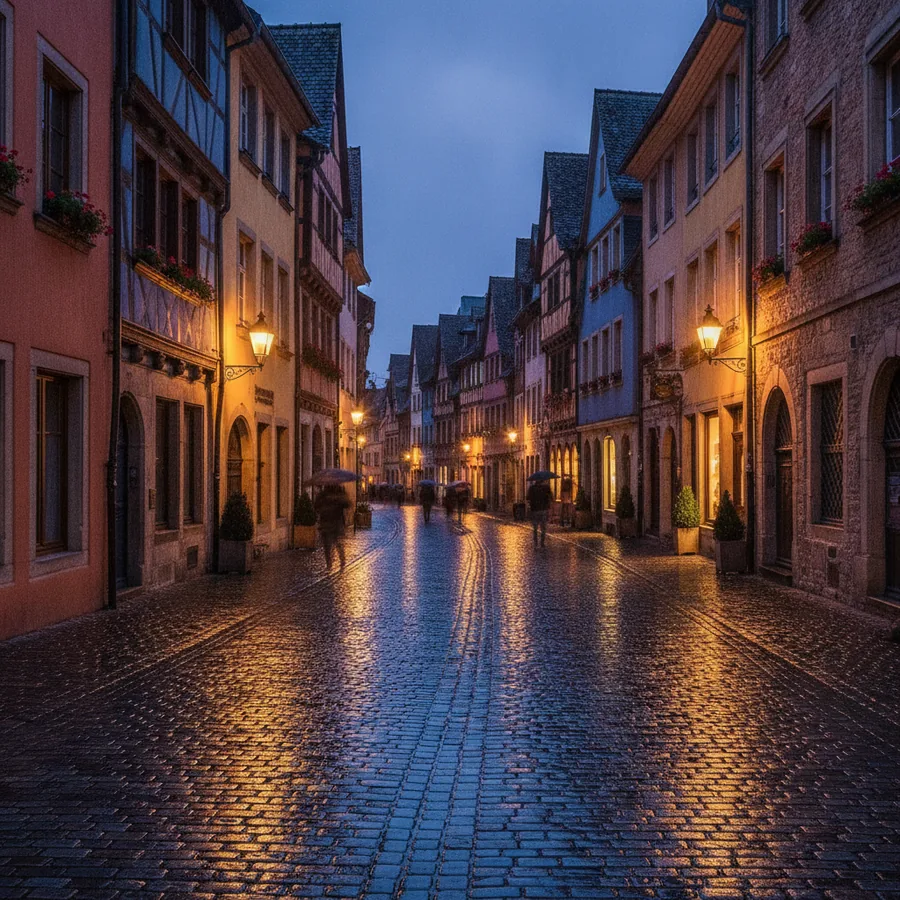
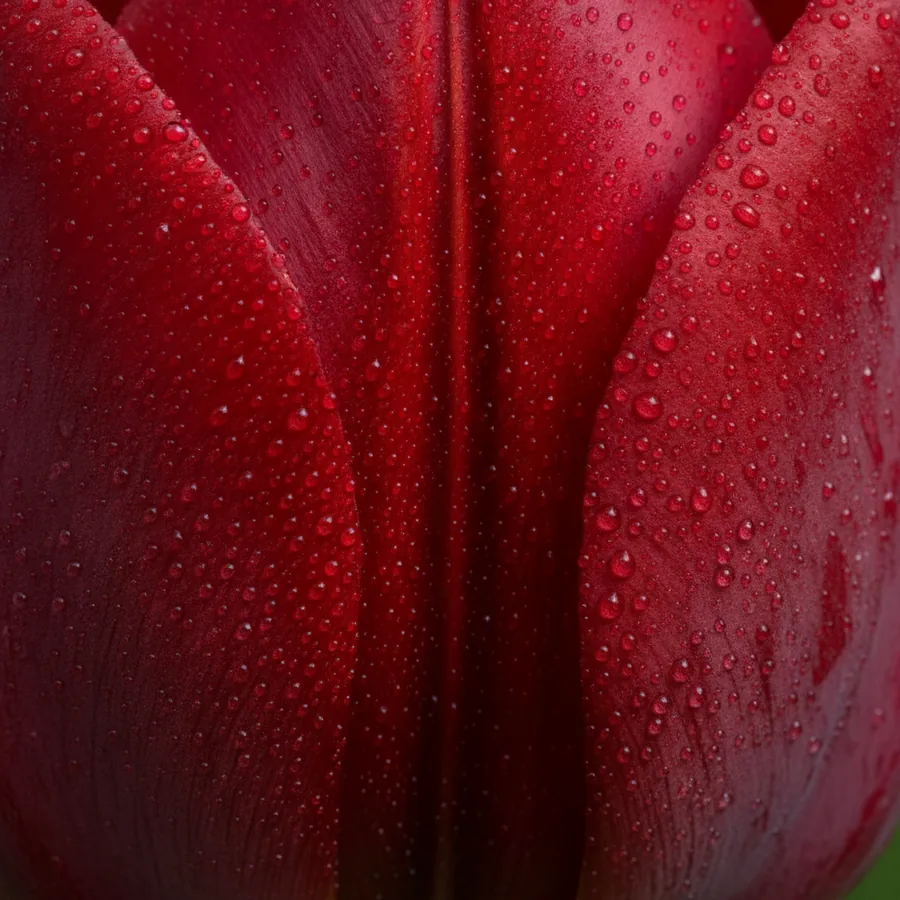
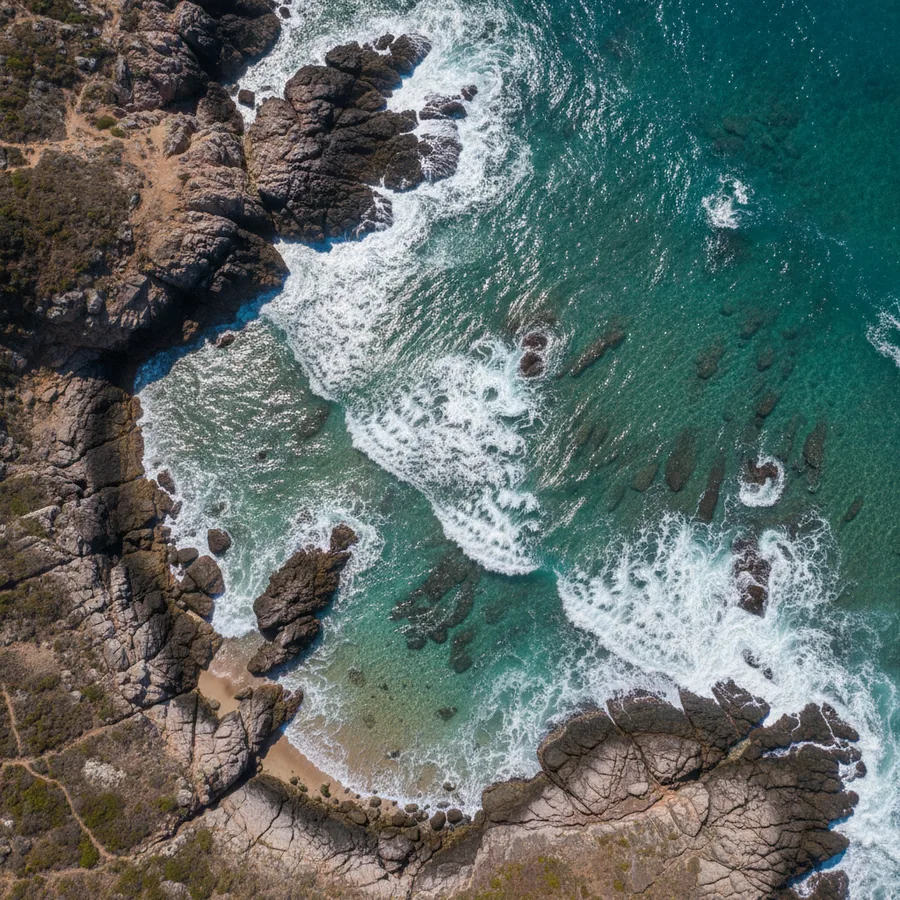
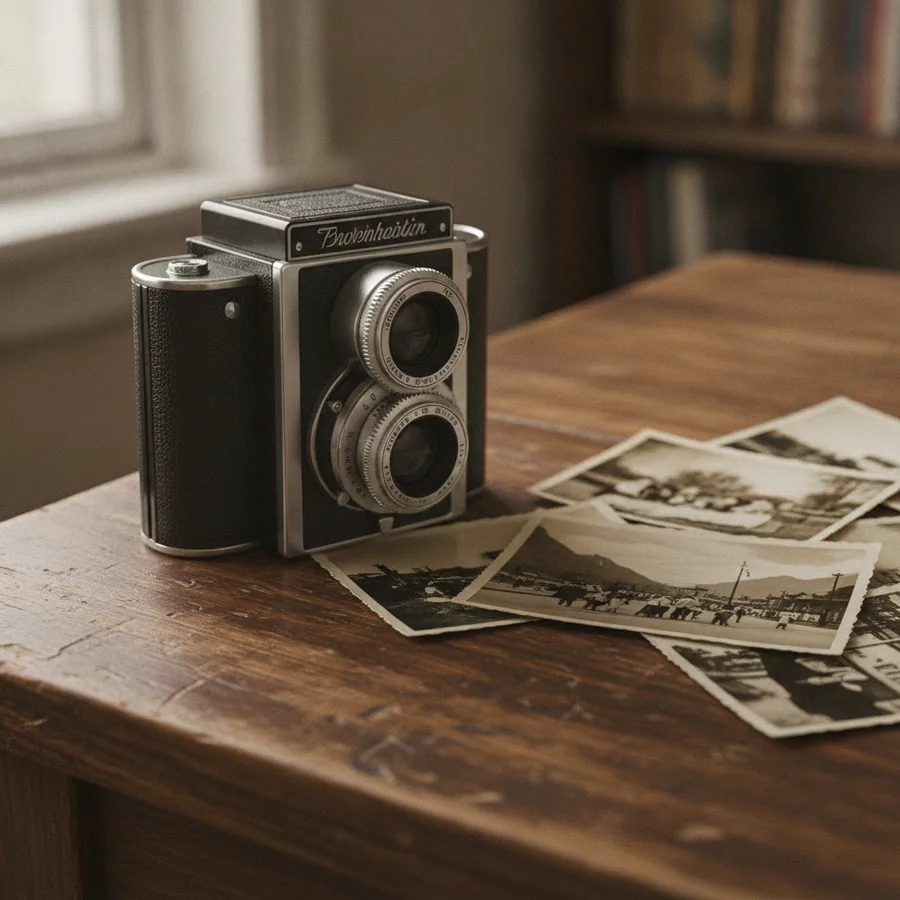
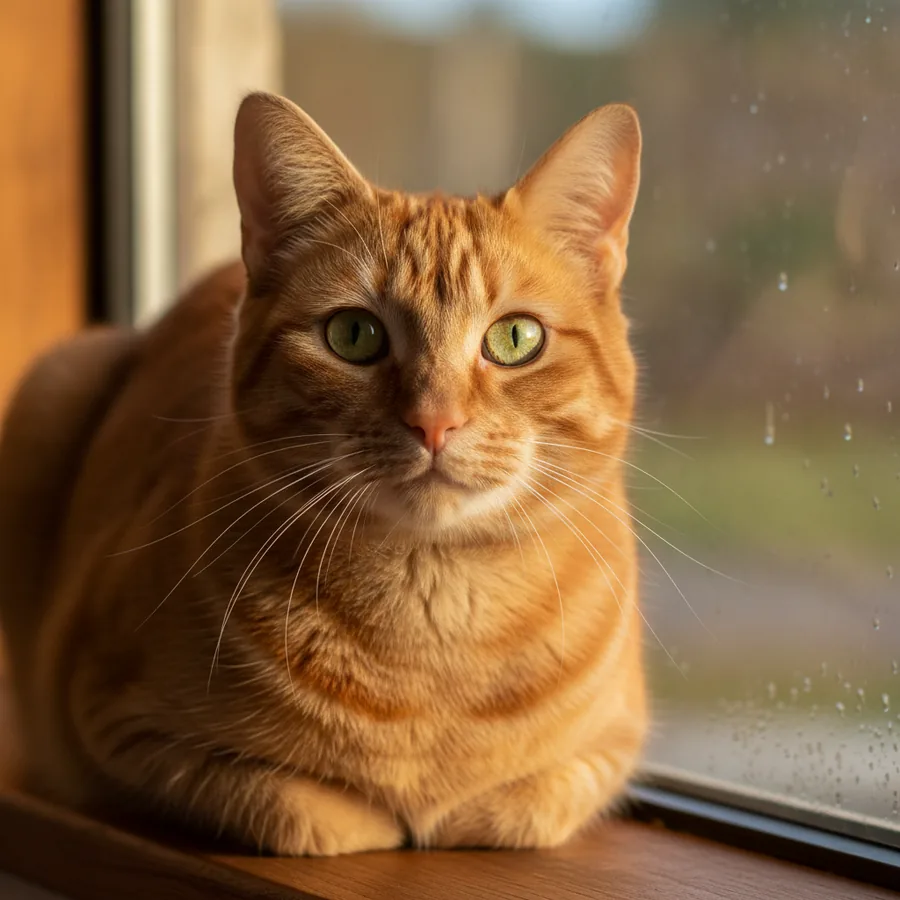
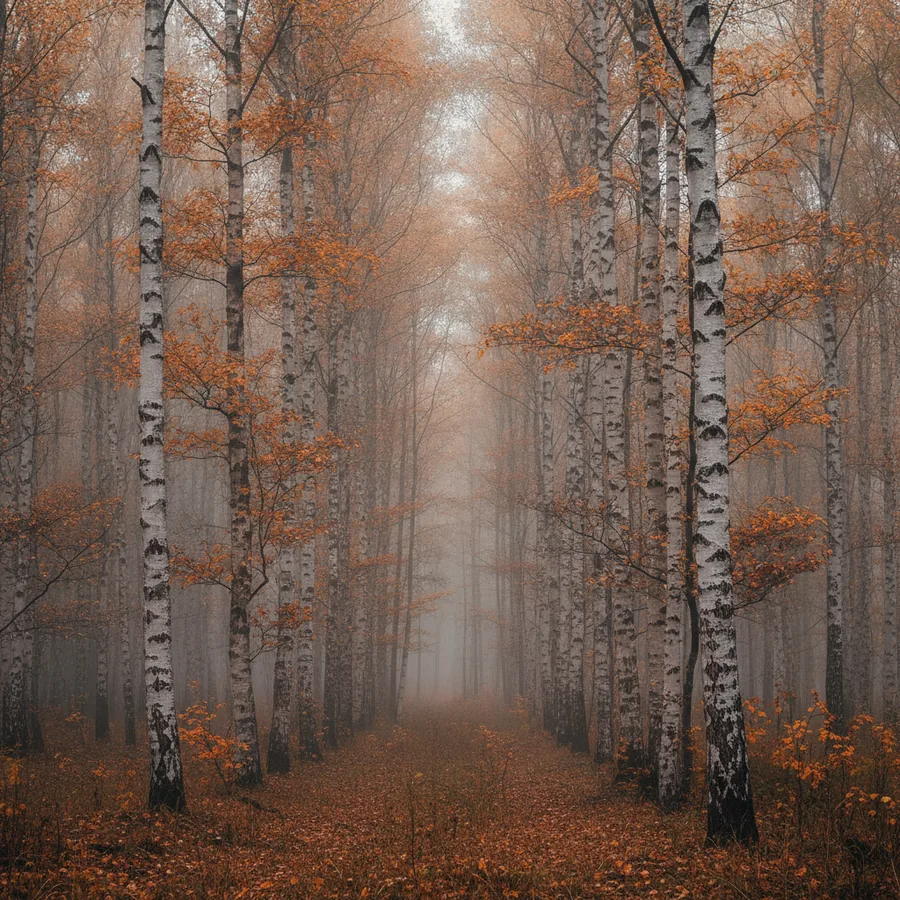
| Pair | Similarity | Difference |
|---|---|---|
| 100% | Exact copy |
| 97% | Downscaled |
| 93% | 8% brighter |
| 91% | Sharpened |
10 raster and vector formats, plus camera RAW from Canon, Nikon, Kodak, Fujifilm, Olympus, Pentax and Sony
One script instead of a thousand manual edits
Chain commands together, preview them on a sample, then run the whole folder. Scripts are saved and work at any image size.
- 91 commands68 imaging commands plus 23 for input, output and flow control.
- Percentages, not pixelsRelative values fit images of any resolution.
- Preview on a sampleEvery command shows its result before you run the batch.
Finds duplicates, even the ones that were “tweaked”
DupDetector compares what is in the image, not file names. A copy that was downscaled, brightened or sharpened still lands in the right group.
Drag the slider: the right side is a brightened copy. Nearly identical to the eye, wasted megabytes to your archive.
OriginalCopy
You decide what counts as a duplicate.
Nothing is deleted without your say-so.
Bursts of the same scene are grouped together, so keeping the best frame takes a couple of clicks.
Greyhound on the beach3 filesAutumn forest2 filesTulip, macro4 filesA portrait made of a thousand photos
PhotoTile splits an image into cells and fills each one with a photo from your library, matched by color and brightness. The mosaic on the left is being built right in your browser.
A prism splits light. We split up your archive
One job, three tools: process, clean up, assemble. The numbers below come straight from the product documentation.
Free at home and at work. No ads, no spyware
Each program is a few megabytes, installs in a minute and never drags in toolbars, banners or “helpers”. Need a tool for a workflow none of these cover? That is a job for custom software development.
Why we do it this wayMosaics made with PhotoTile
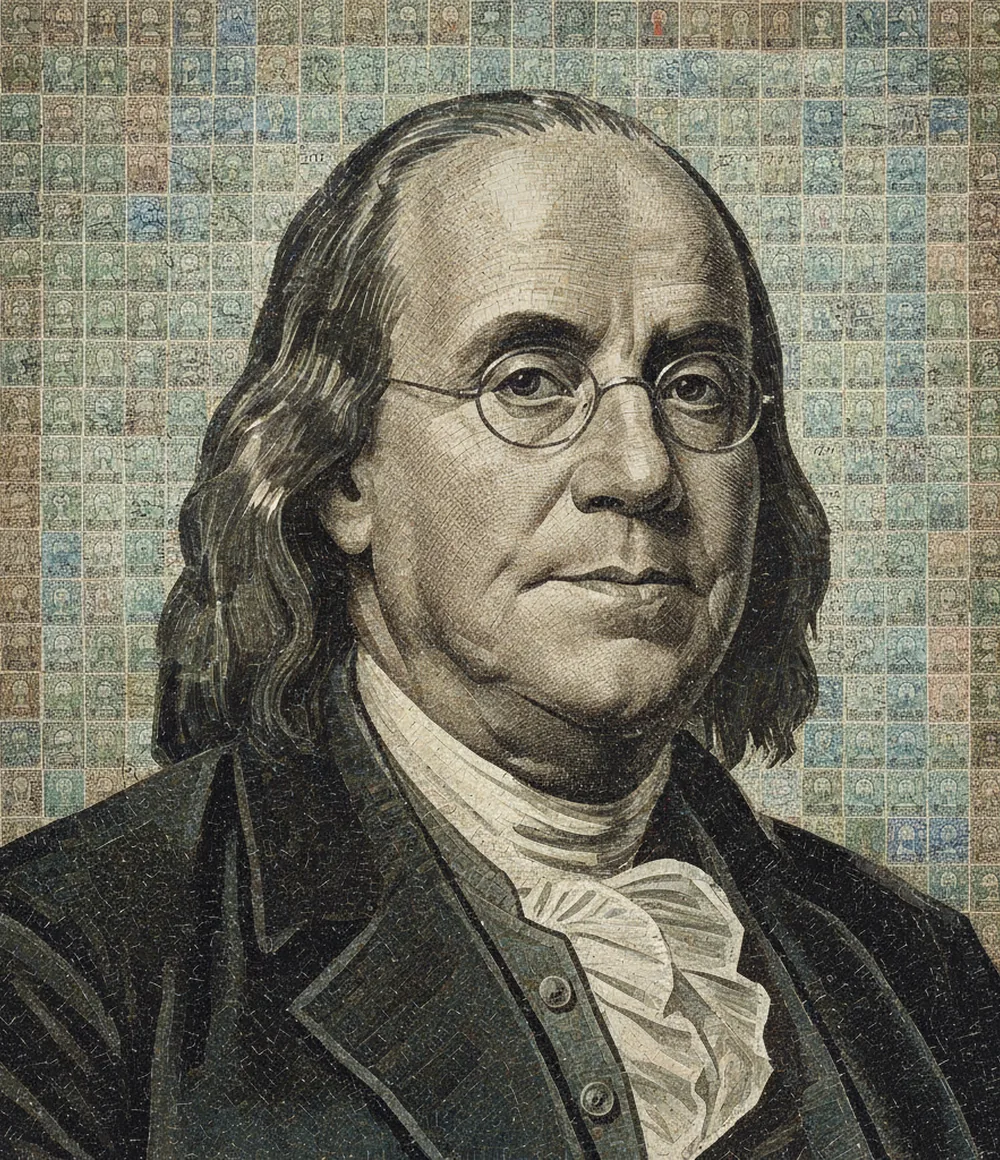

Tiny utilities for everyday chores
Each one does a single job and weighs a few dozen kilobytes.
Rename every file in a folder: auto-numbering, prefixes, suffixes.
Copy photos off camera media with a unique time-based ID.
A:\
DSC0001.JPG
DSC0002.JPG
Vacation
vacation_001_1412
vacation_002_1413
Two Explorer windows side by side, straight from the context menu.
A:\
img_01.jpg
D:\Photos
Recursively scans a drive and lists files by chosen extensions: name, size, date.
From the blog
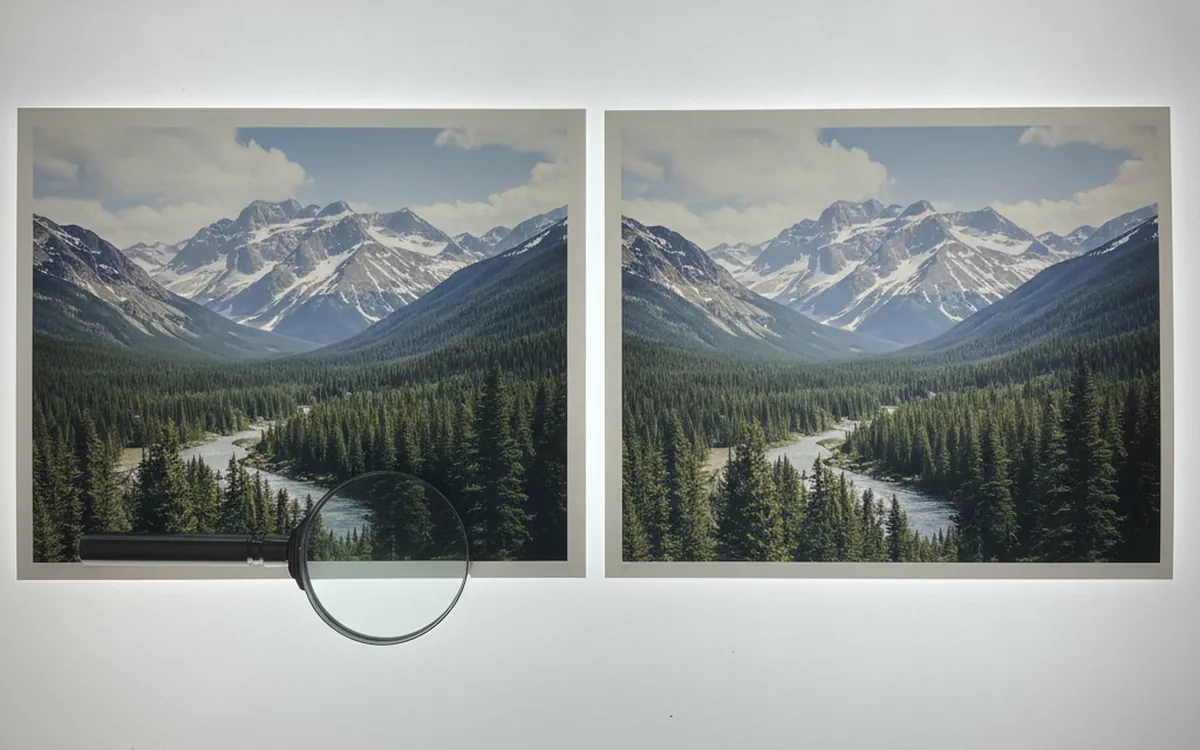
How to Find and Delete Duplicate Photos Without Losing Anything
Checksums catch exact copies; perceptual comparison catches look-alikes. Here’s how both approaches work, plus a cleanup order that keeps your originals safe.
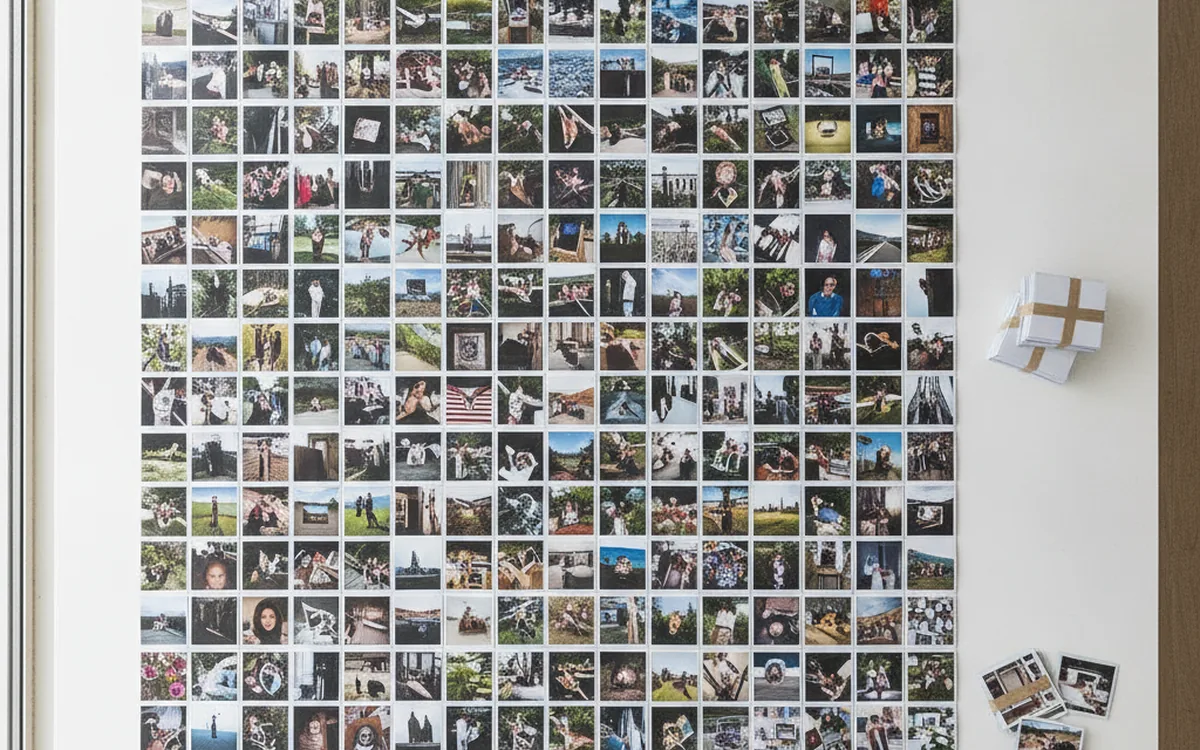
Batch Image Processing with Command Scripts
Define your edits once and apply them to hundreds of files without mistakes. How a command script works and which settings make it reliable.
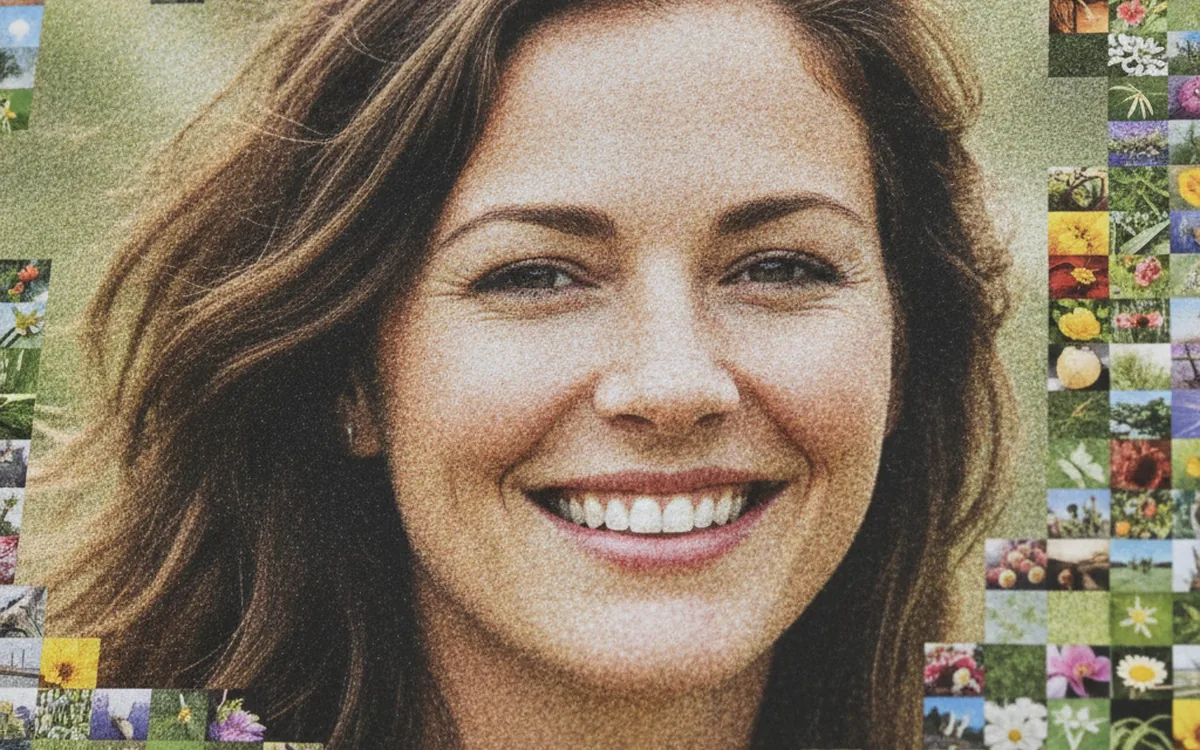
How a Photo Mosaic Comes Together: From Tile Library to Portrait
A portrait built from nearly 1,800 postage stamps makes a perfect case study: what the library, the grid, and color matching each decide, and why blending should be kept subtle.
Clean up your photo archive this weekend
Start with duplicates: it is the fastest way to free up space and see what you actually have.